Trend · AI Hug
AI hug video generator
One or two photos become a warm, natural hug video in the scene you pick — an airport reunion, first snow, a golden-hour street. AI builds the embrace.
1–2 Photos · 14 scenes · 4–15 sec · up to 2K · From 64 credits
Free photo check · Credits returned if generation fails
Make your AI hug video
One photo or two — pick a scene and let AI build the embrace.
Your photos
We join them into one scene before generating — the original backgrounds are replaced.
Your photo
Both faces clearly visible and facing the camera — we split the scene and rebuild the hug.
Step 1 · Left photo
Step 2 · Right photo
Model
Style
Add a custom direction · optional
Format
Video quality
Duration
Cost–
Or buy just this clip –
Your balance —
You need 0 more credits.
Get creditsFree to join · Your photos stay private
Style library
Pick your hug
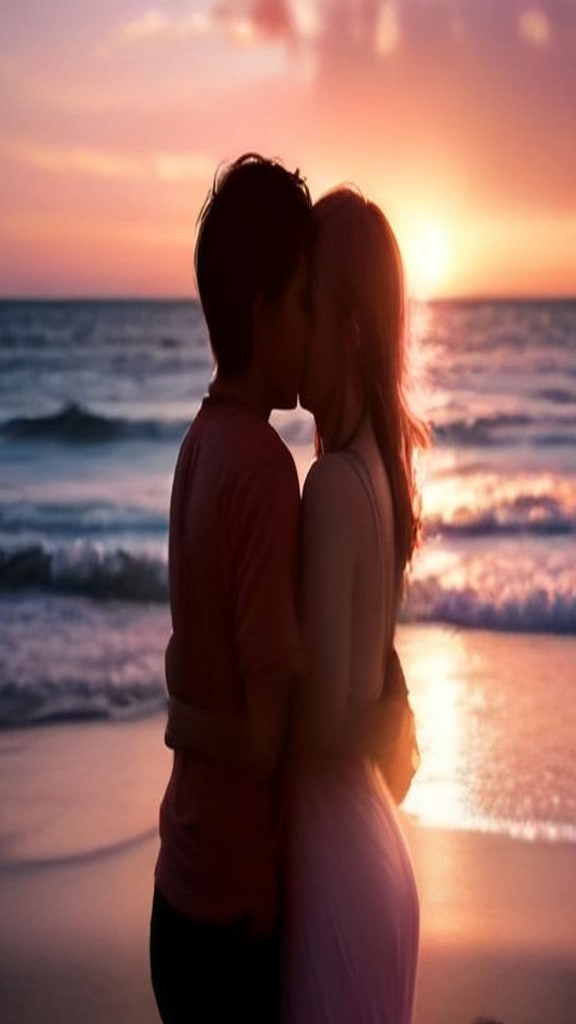
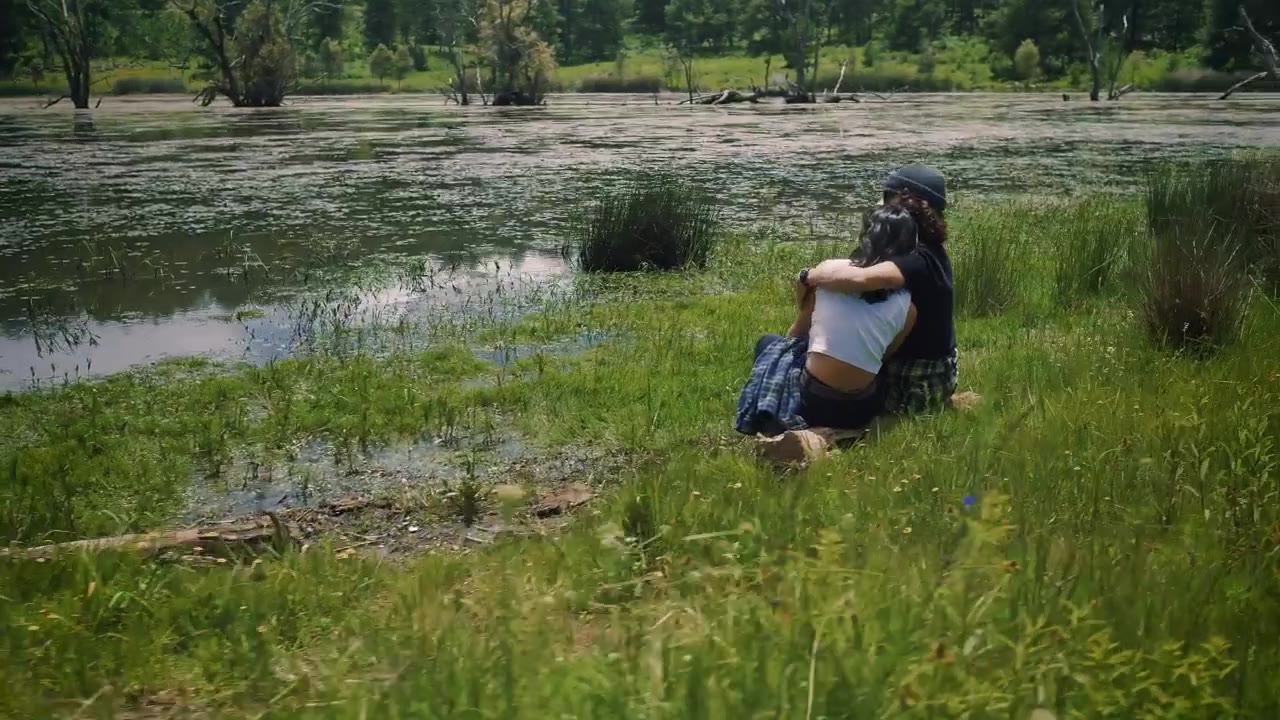
Every scene is a different way the moment can play out — the setting, the light, the mood. Choose one in the generator above, or start from the scene that feels closest.
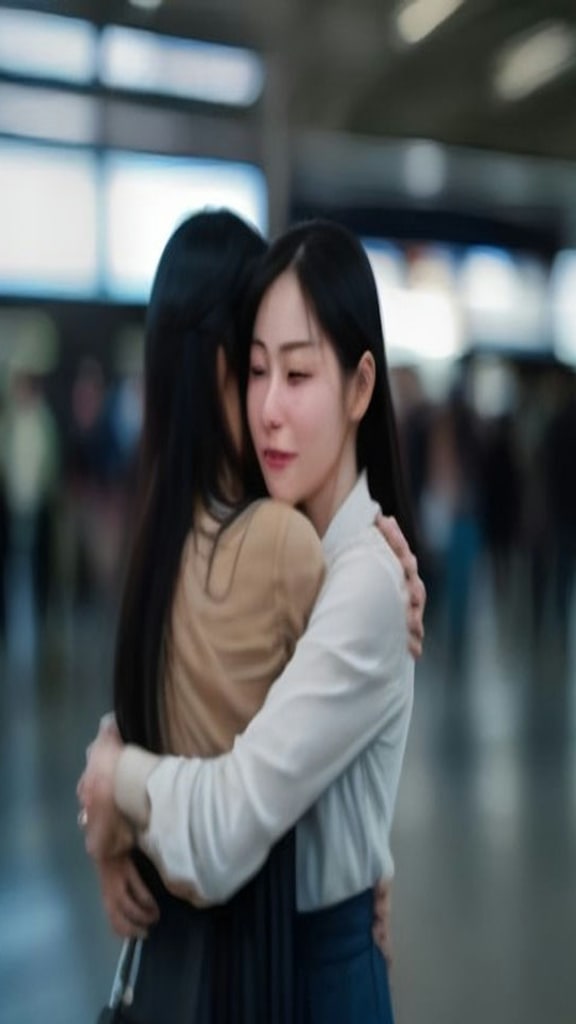
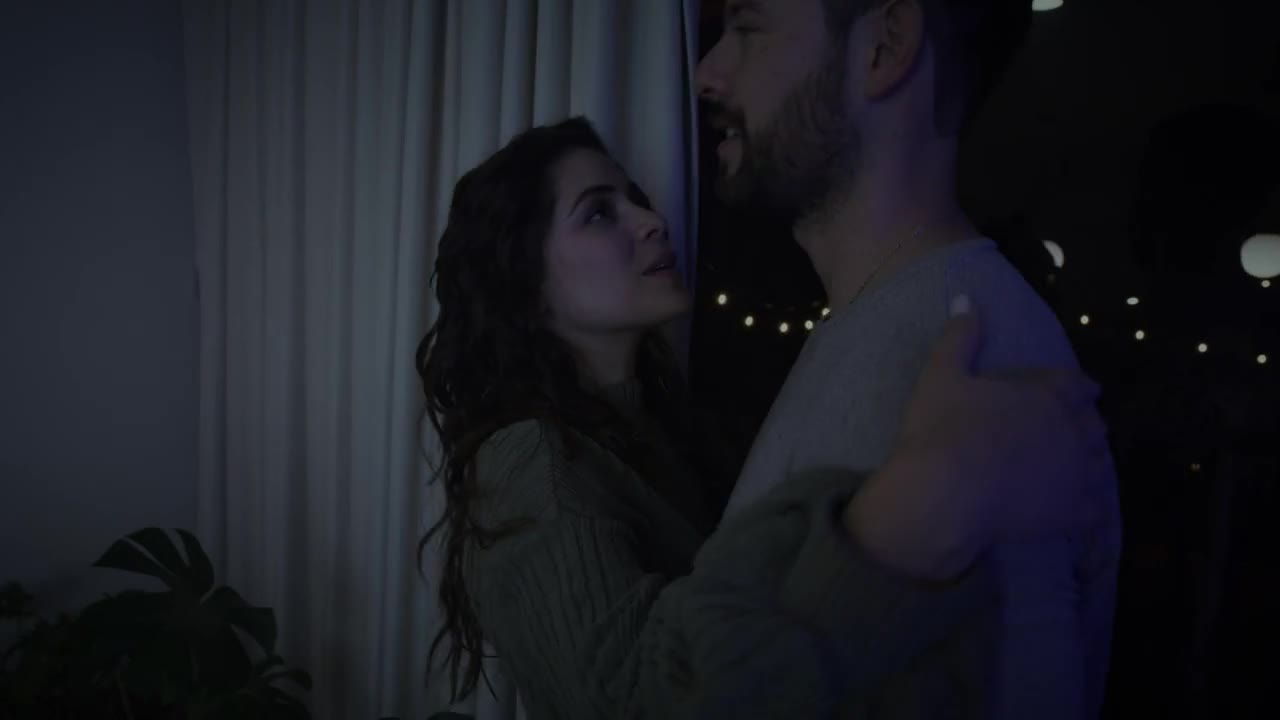
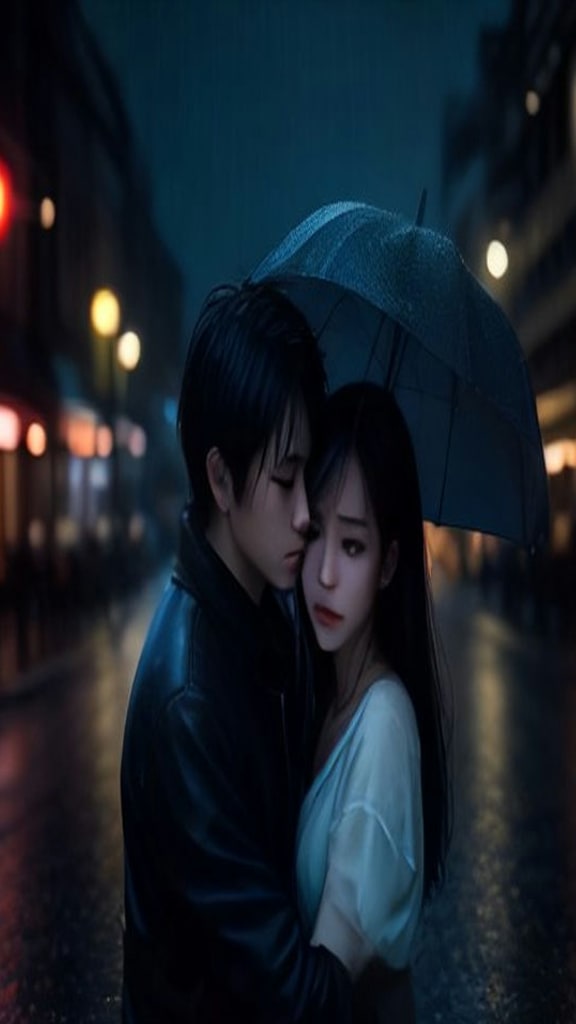
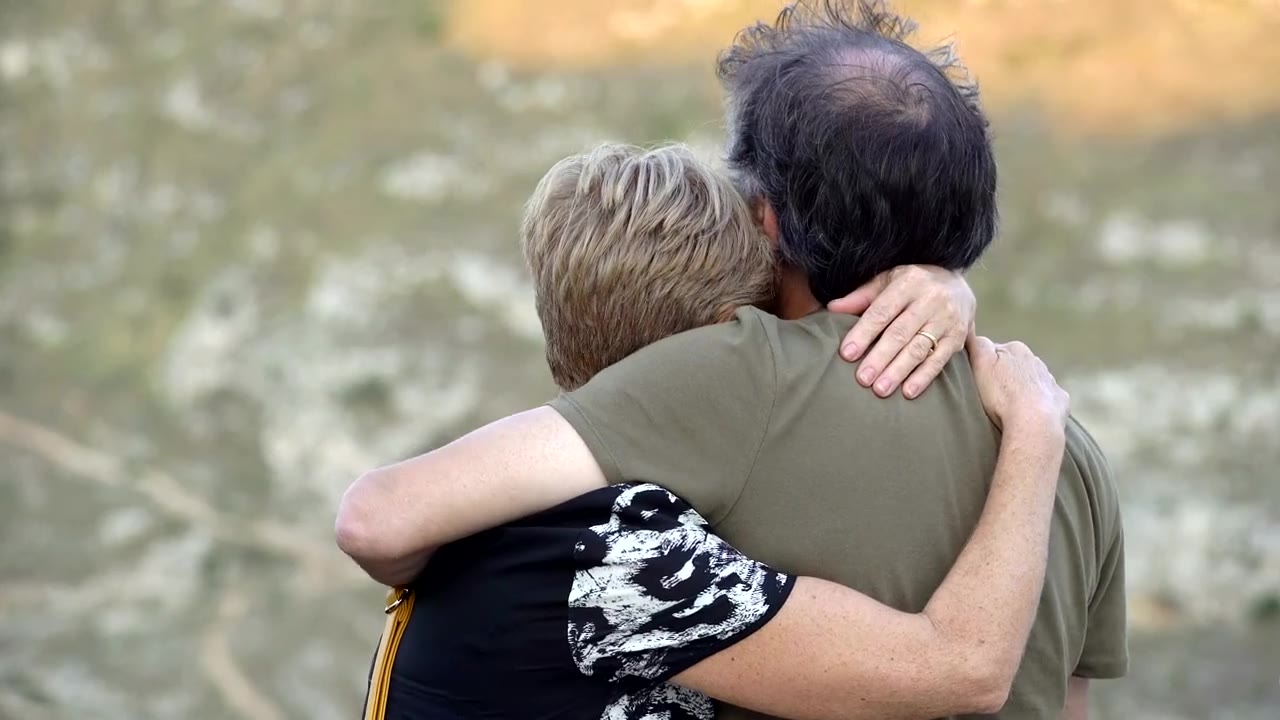
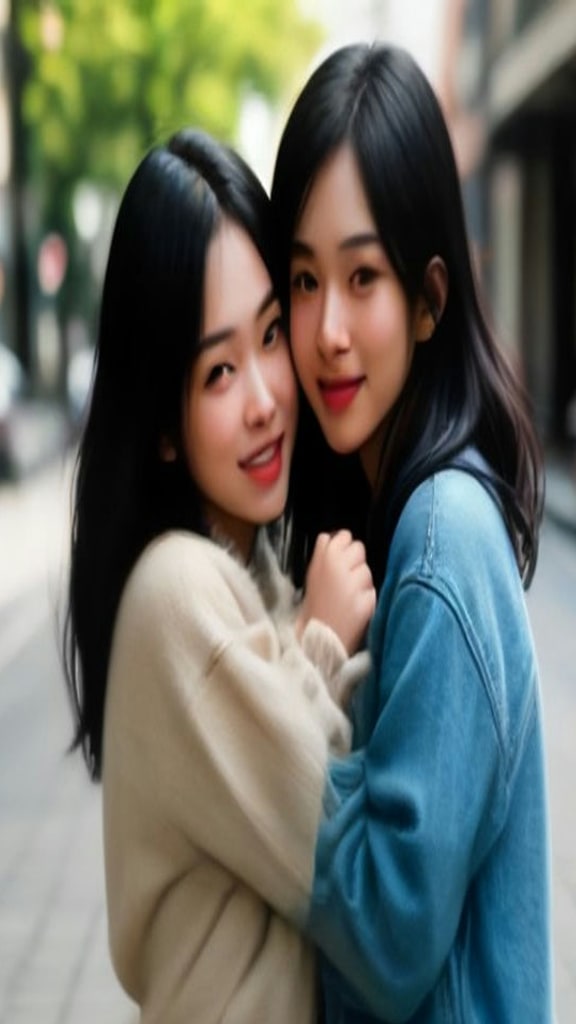
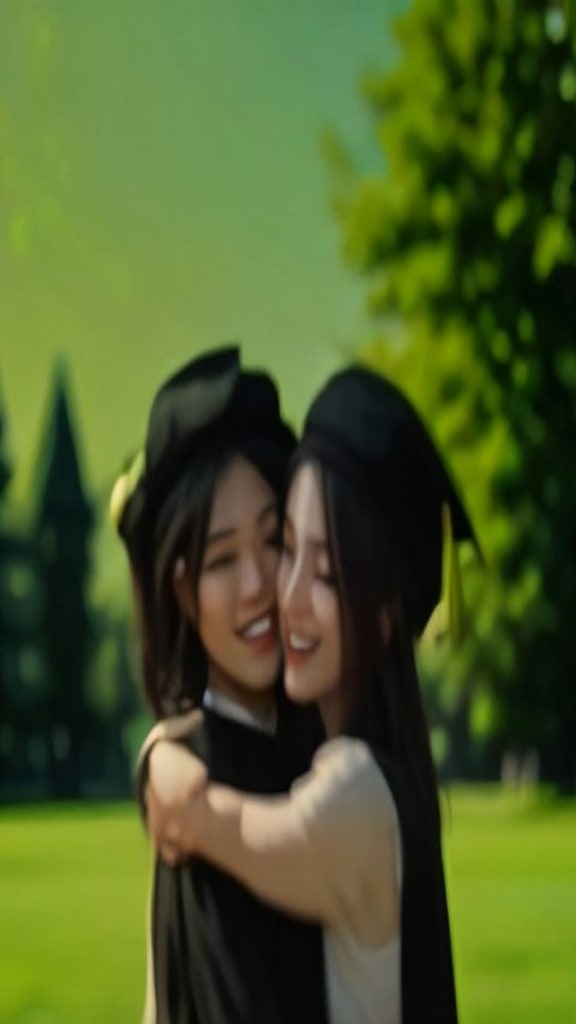
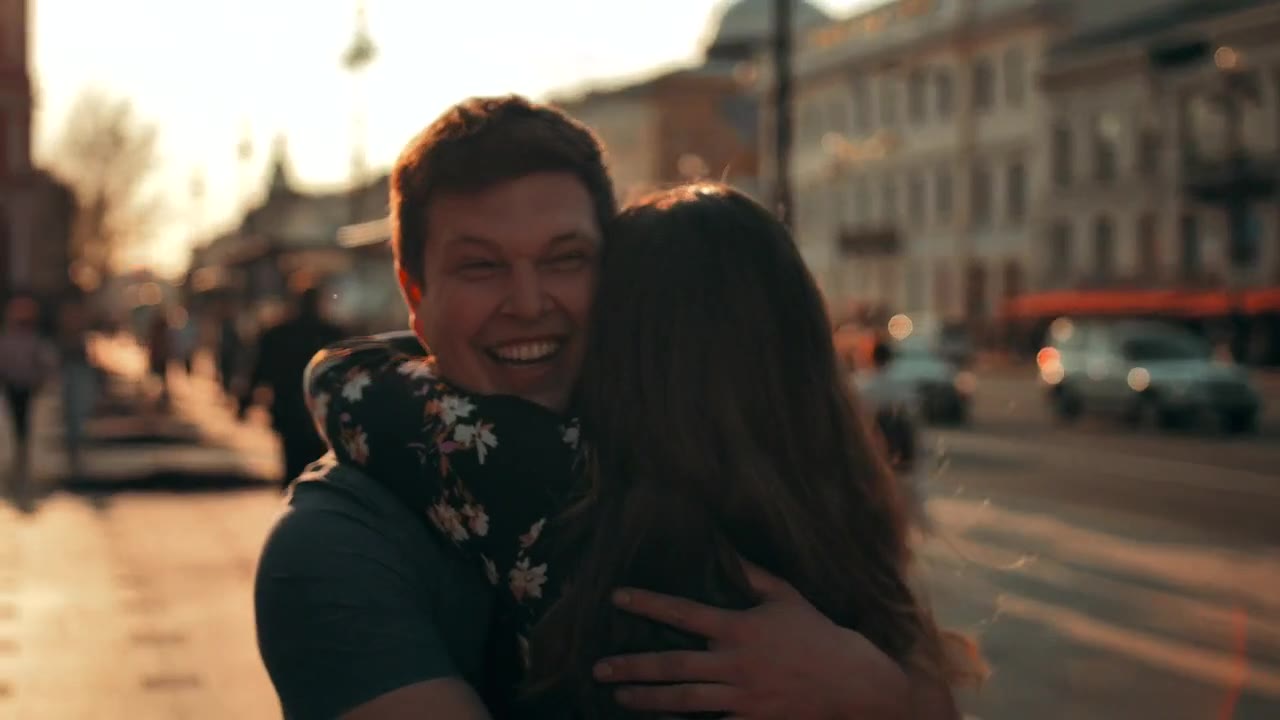
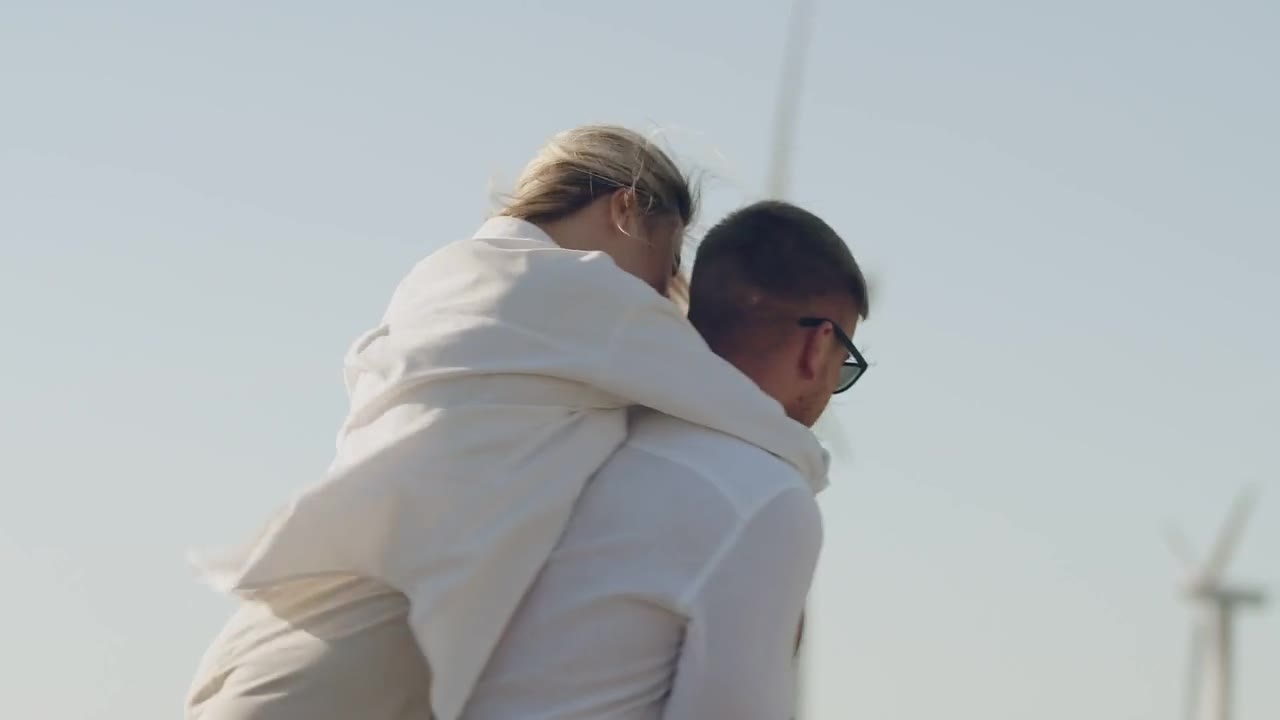
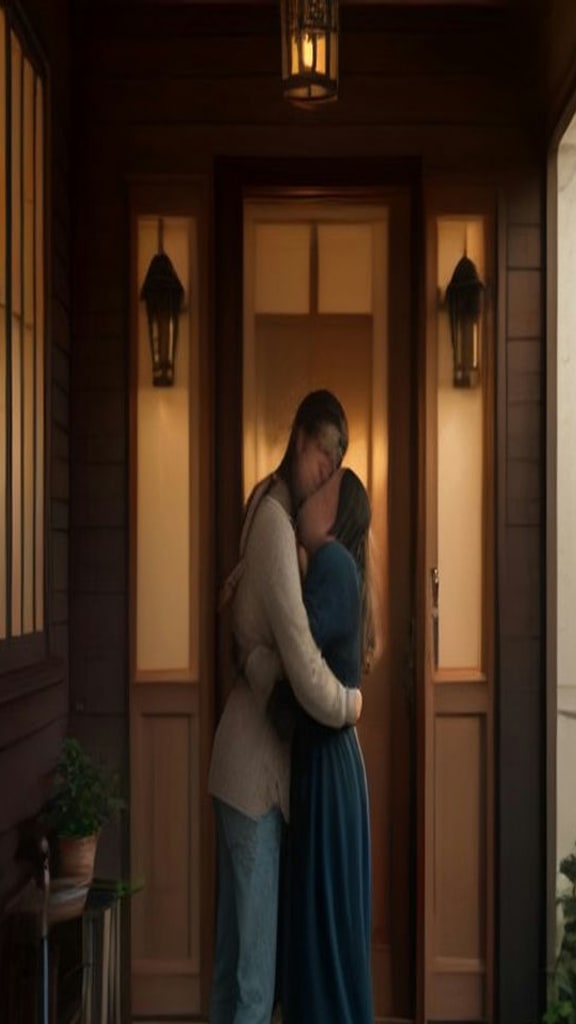
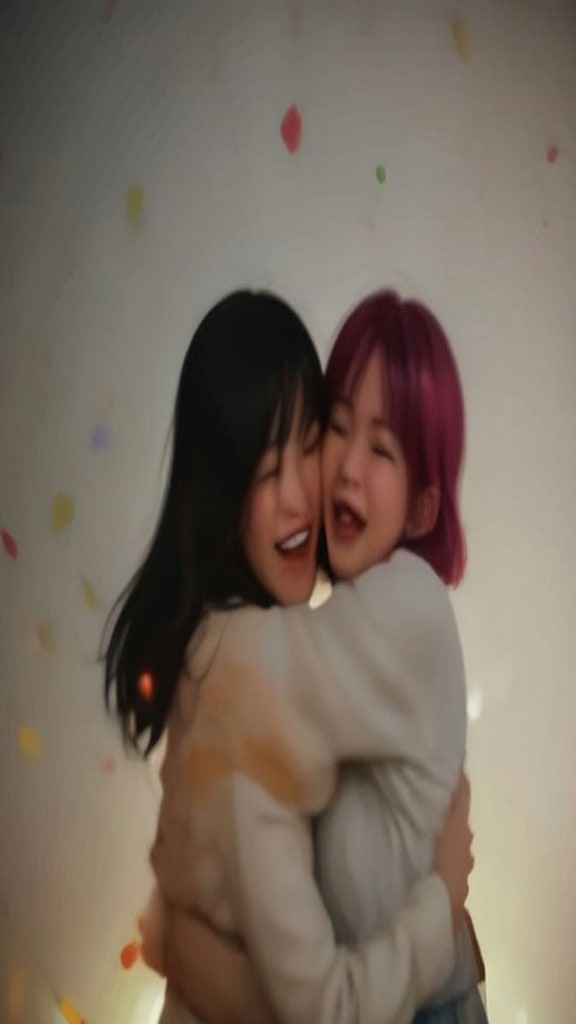
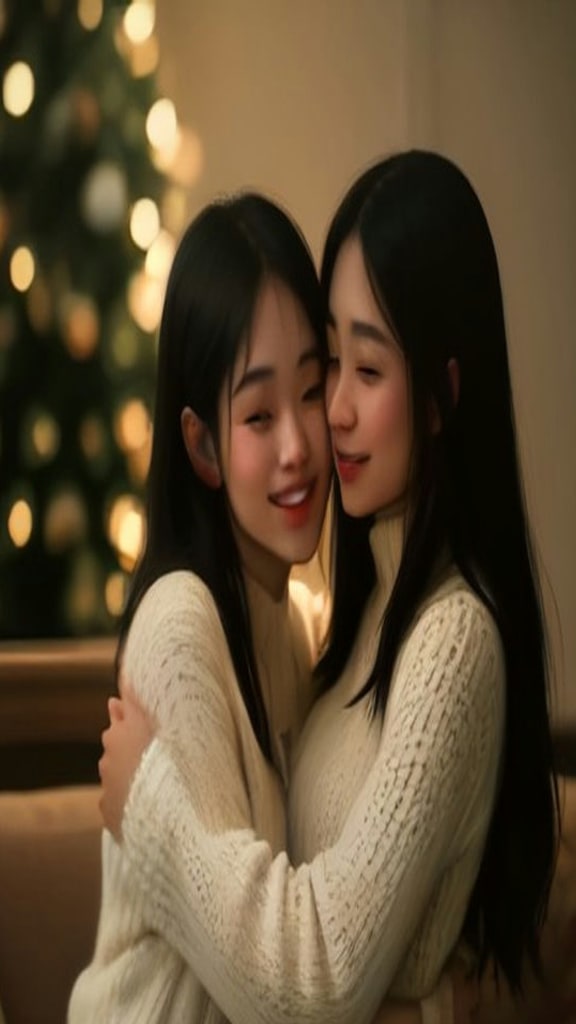
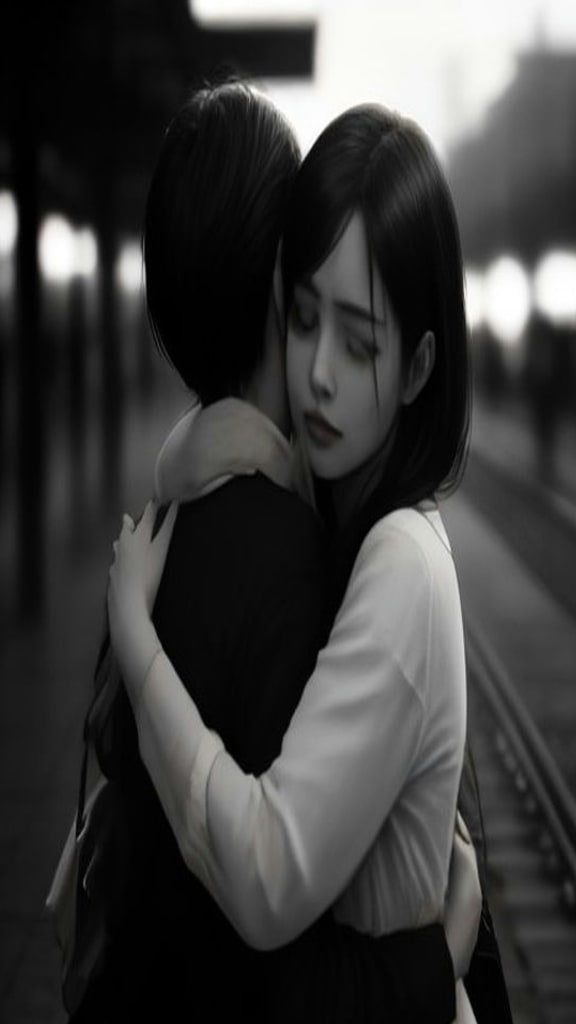
Moments people make with AI Hug
The same tool serves very different feelings — pick the one that matches yours.
Relive a precious memory
Recreate a hug with someone who is no longer here. Families use AI Hug for anniversaries, memorials, and quiet goodbyes that were never said in person.
Meet your hero
A hug with the person who got you through something — a musician, an athlete, a character. Keep it respectful, keep it clearly AI.
Bridge the distance
You are on two continents and the visit is months away. A hug video says what the calls cannot.
Hug another time
You and you: your past self before the move, your future self after the finish line. Strange, and strangely moving.
How AI Hug works
From upload to share-ready clip — four steps, no editing timeline, no prompts to write.
-
01
Add your photo or photos
One photo with both faces, or one photo per person. We join them into a single scene before generating — you never write a prompt unless you want to.
-
02
Pick the scene
Airport reunion, first snow, golden hour — fourteen ways the hug can happen. Each one changes the setting, the light and the pacing.
-
03
Choose model, quality and length
MiniMax H3 offers 768P and 2K, Seedance 2.5 offers 720P and 1080P — then a 4-, 8- or 15-second moment. The live cost counter updates as you choose.
-
04
Review and share
Ready in about 2 minutes. Download or replay right on the page — sized for TikTok, Reels or Shorts.
Example gallery
AI Hug examples
AI Hug
Airport reunion
AI demo
AI Hug
First snow hug
AI demo
AI Hug
Golden hour hug
AI demo
AI Hug
Wedding day hug
AI demo
AI Hug
Miss you hug
AI demo
AI Hug
Lakeside embrace
AI demo
AI Hug cost
Total cost = per-second rate × length, and each model has its own resolution tiers. Credits are held when the job starts and returned in full if generation fails.
| Model | Quality | 4 seconds | 8 seconds | 15 seconds | Per second | Buy 4s |
|---|---|---|---|---|---|---|
| MiniMax H3 | 768P | 64 | 128 | 240 | 16 | $2.99 |
| MiniMax H3 | 2K | 100 | 200 | 375 | 25 | — |
| Seedance 2.5 | 720P | 500 | 1000 | 1875 | 125 | $5.99 |
| Seedance 2.5 | 1080P | 1280 | 2560 | 4800 | 320 | — |
Credits only leave your balance when the video is delivered · “Buy 4s” pays once for a single clip, no credits needed.
Input requirements
Faces visible and well lit
Sharp, front-facing faces produce the most convincing result. Lighting for the scene is added by the model, not your photo.
One photo works too
A single photo with both people in frame is fine — make sure both faces are clear. Two separate photos give the model a little more to work with.
Avoid group scenes
Three or more faces confuse the model about who should be hugging whom. Crop to the two people who matter.
Any background is fine
The generated scene replaces the original backgrounds entirely, so the two photos never need to be taken in the same place.
Tips from people who made one
Small input choices change the result more than any setting.
Face each other in the photos
Photos where the two people are angled toward each other produce the most natural embrace — the model follows the existing body direction.
Match the poses
Two photos taken from a similar height and distance blend far better than one selfie plus one full-body shot.
Let the scene do the mood
Resist over-directing with the custom prompt. First snow or golden hour already carries most of the feeling.
Genuine smiles travel
Photos with real expressions — laughing, mid-word, soft — make warmer hugs than posed passport faces.
Short and looped wins
A 4-second clip loops seamlessly on social feeds. Save the 15-second version for the moment that deserves the full build-up.
How AI Hug here compares
Compared with general image-to-video tools, everything below is built into the flow — you are not assembling it yourself.
| What matters | AI Gen Video · AI Hug | Generic image-to-video tools |
|---|---|---|
| Hug-specific scenes | 14 curated scenes with tuned motion and lighting | You write and tune the prompt yourself |
| Photo joining | One or two photos, joined into one scene automatically | You pre-edit a composite image by hand |
| Free photo check | Readiness check runs before you pay a single credit | Failed generations still consume your quota |
| Price transparency | Full cost table on this page, per second, before you start | Pricing often revealed after sign-up |
| Failure handling | Credits are held, then returned in full if generation fails | Spent credits are usually gone |
| Safety review | Input and output moderation on every job | Varies, often minimal |
What people mean by "AI Hug"
The AI hug trend is the quiet counterpoint to dance and rap clips: two people who were never in the same room, brought into one warm embrace. It shows up as long-distance reunions, family photos, and gentle announcements where a dramatic effect would feel wrong.
Our AI Hug template builds that moment from the photos you own and nothing else — no reference video, no motion capture, and no face mapping onto existing footage. Pick a scene, pick a length, and you get a clip at up to 2K, ready to post without a watermark.
Want the long version — how the models work, which photos to choose, and the ethics of synthetic embraces? The full guide walks through everything step by step.
Read the AI Hug guide →FAQ
Do I need two separate photos?
No — either works. One photo with both people in frame is fine as long as both faces are clear and front-facing. Two separate photos, one per person, give the model slightly more freedom.
Can the two photos be taken in different places?
Yes. The generated scene replaces both backgrounds entirely, so the original locations never need to match — a selfie from Tokyo and a portrait from Lisbon end up in the same embrace.
What does picking a scene actually do?
Each scene changes the setting, lighting and pacing of the hug — an airport reunion plays out differently from a hug in first snow. You can also add a short custom direction on top of the scene.
How long is the video?
You choose 4, 8 or 15 seconds, on either MiniMax H3 (768P or 2K) or Seedance 2.5 (720P or 1080P). Cost is per second, and the price table on this page shows the exact amounts before you start.
Can I make a hug video for free?
The photo readiness check is free, and your credits are only charged when a video is actually delivered — if generation fails, they are returned in full. New accounts also start with free credits.
Can I hug an anime character or a celebrity?
You can combine any two images you have the rights to use, but the result must respect our Content Policy: no sexualized content, no misleading depictions of real people, and no copyrighted characters used commercially.
Is AI Hug a face swap tool?
No. It does not map one face onto another body or onto existing footage. It generates a new scene from the photos you upload, keeping each face consistent with its source.
Are my photos private?
Yes. Uploads are private to your account, moderated for safety, and never published. Generated videos stay in your library for 14 days and are downloadable.
Can I use the video commercially?
Videos you generate are yours to post. If the people in your photos are not you, get their permission first — the rights checkbox at generation exists for exactly that.
Can I make a group hug?
Not yet. The model is tuned for two people; three or more faces usually break the embrace. Crop to two, or run two clips and edit them together.
Keep exploring
Other AI video trends
Same upload flow, different effect — switch trend without learning a new tool.
2 Photos
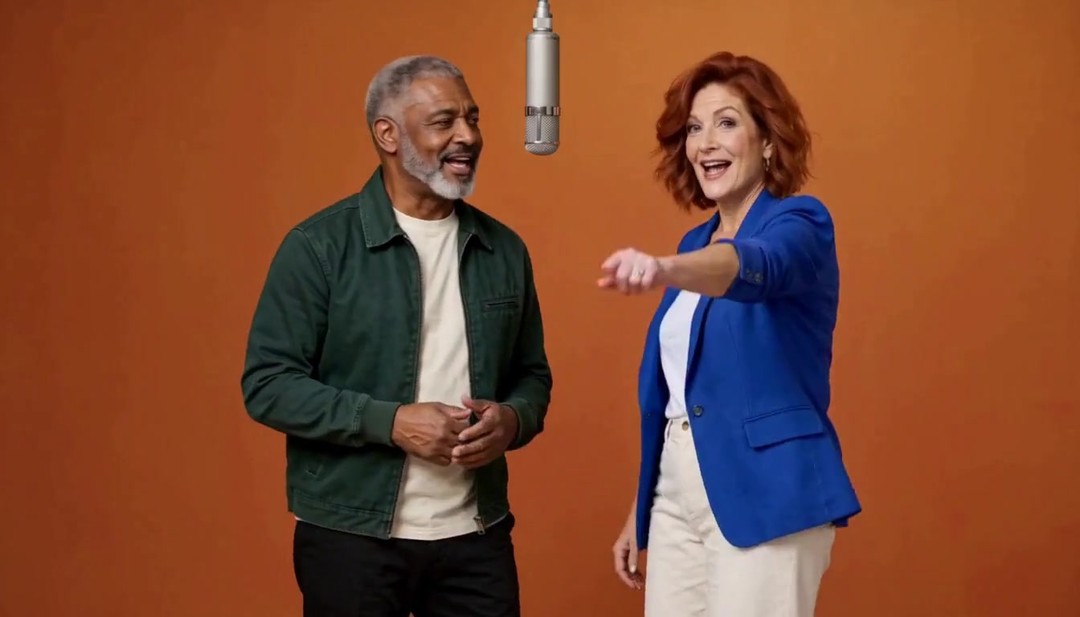
Hotel Lobby AI
Turn two photos into a trending two-person AI duet — singing into one vintage microphone in a warm orange-lit booth.
Open Hotel Lobby AI →
2 Photos
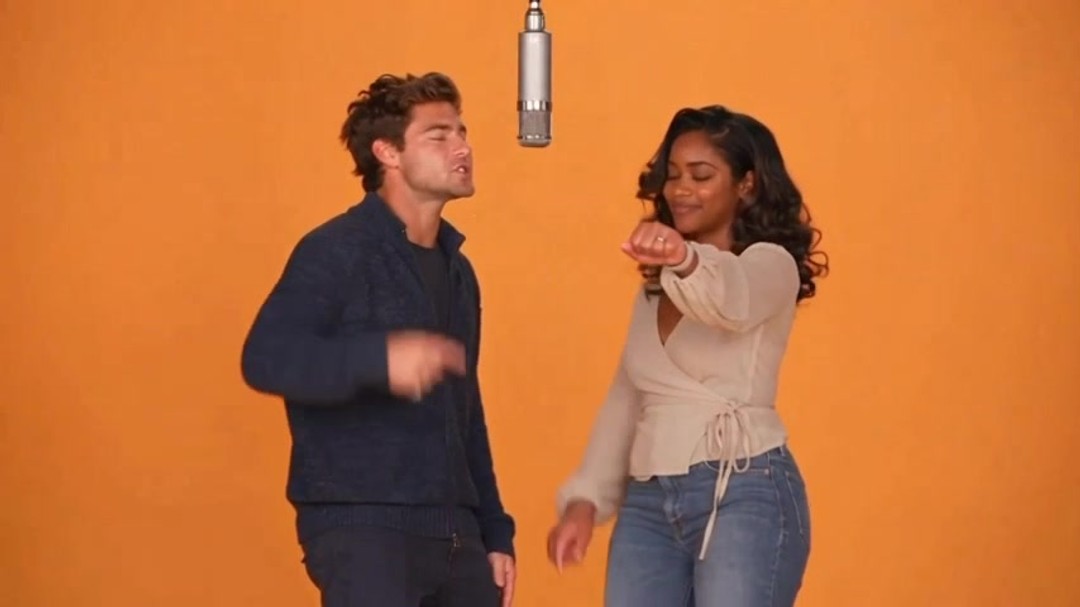
Rap Duet
Two photos become a stage rap performance duo video with AI-generated performance audio.
Open Rap Duet →
1 Photo
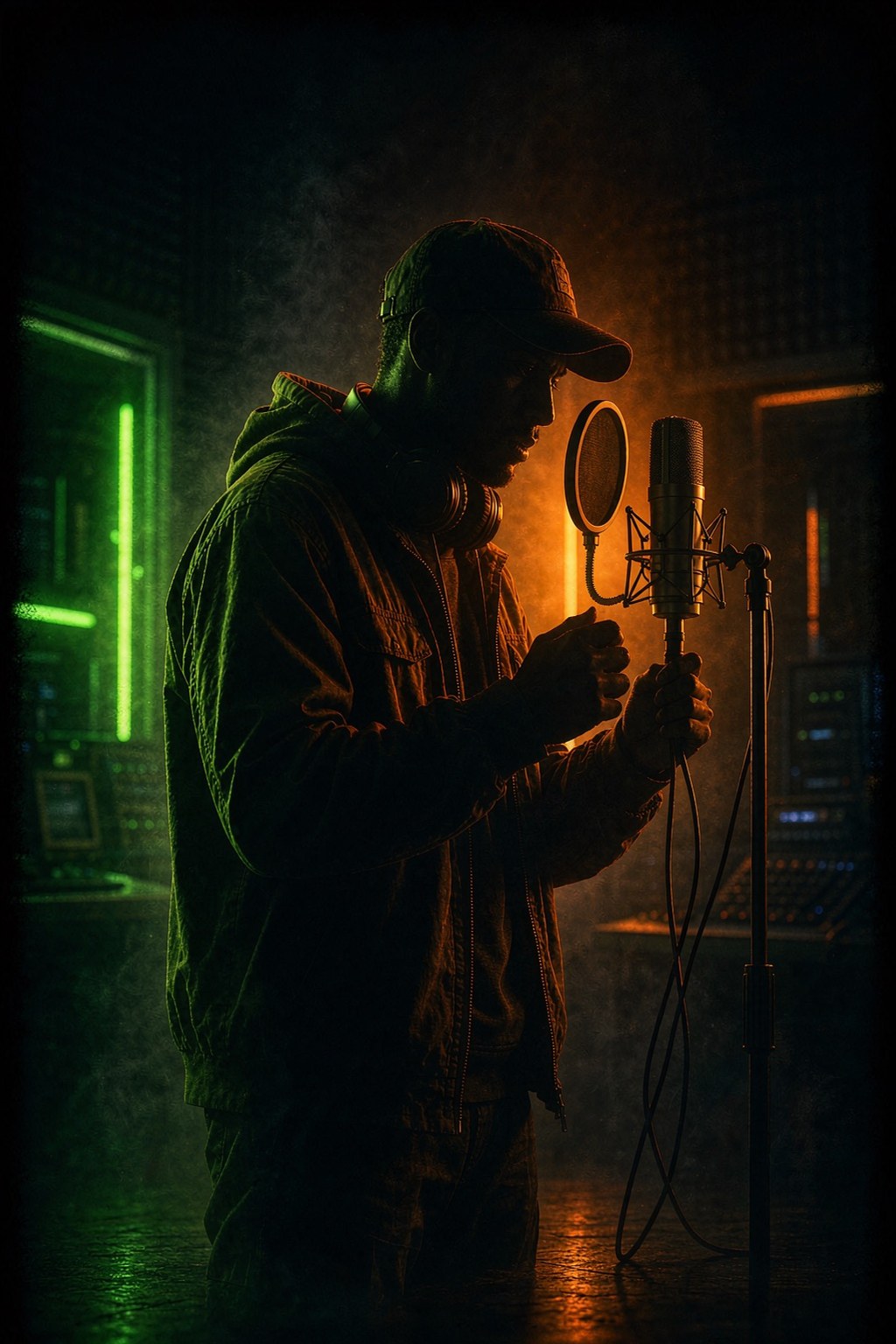
AI Rap
One photo becomes a solo AI rap performance video — orange studio, neon street, cyber car drop or stage spotlight.
Open AI Rap →